


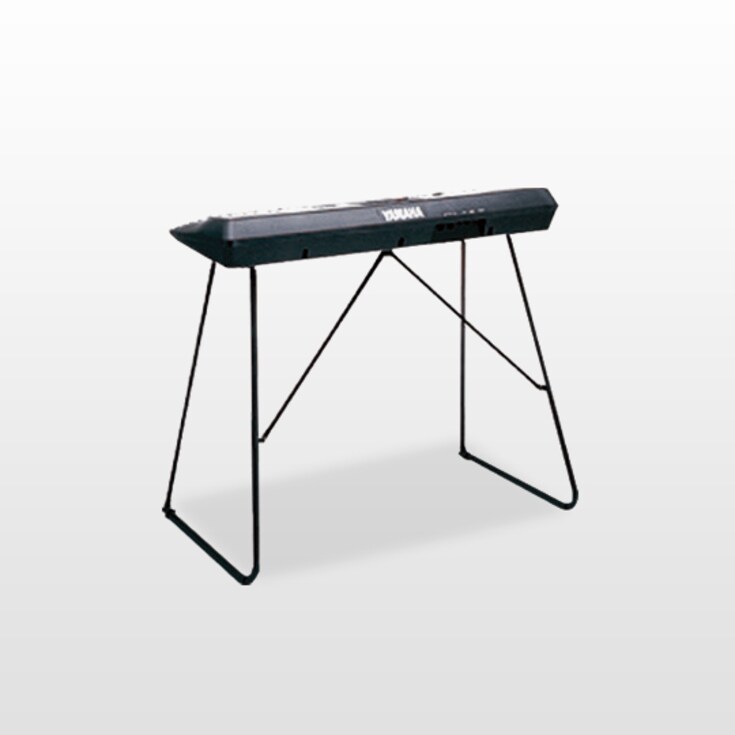
Keyboard stand

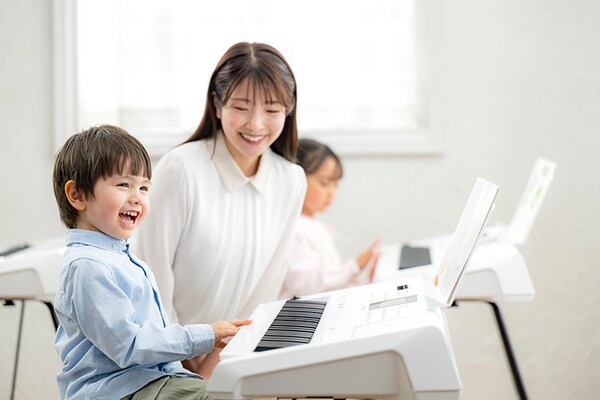
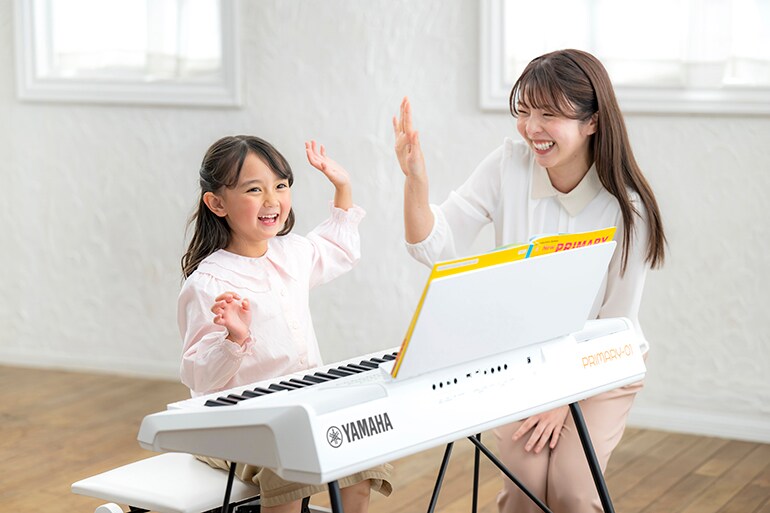
A keyboard designed for the Yamaha Music School Primary Course with preset content tailored to the curriculum, playing at home is just as fun as learning in the classroom!
- 856 Voices
- 276 Rhythms (including Metronome)
- 24 Songs
- 189 Registration Memories (including 179 linked to the Primary Course)
- 4 Basic Registrations
- 8 Registration Memories x 4 Banks
- 3 Primary sheets (covering 6 textbooks and the full 3-year Primary Course)
- L-2C keyboard stand sold separately

Easy to Learn, Easy to Teach
PRIMARY-01 keyboards are full of content and features designed for Yamaha Music School Primary Course students.
They help your children develop their listening, singing, and playing skills, nurturing their ability to appreciate and enjoy music to the fullest throughout their lives.
Their extensive lineup of Voices and Rhythms makes them a joy to play even after completing the Primary Course.
Primary Button
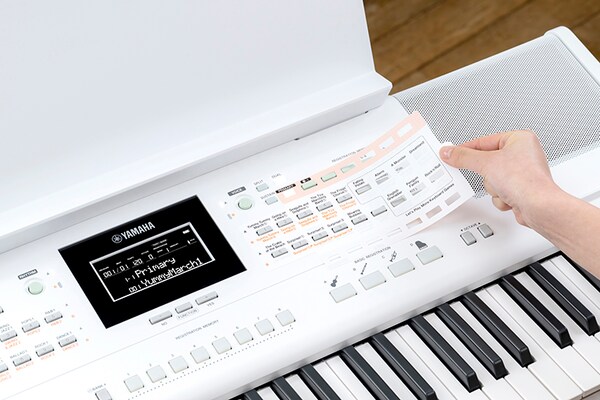
Place the supplied Primary sheet on the keyboard and press the Primary button. Then, simply play the keys to hear the Voices corresponding to the pieces in the Primary textbook.
One PRIMARY-01 keyboard is the instrument your child needs to complete the three-year Primary Course.
It’s the perfect keyboard for Yamaha Primary Course students.
-
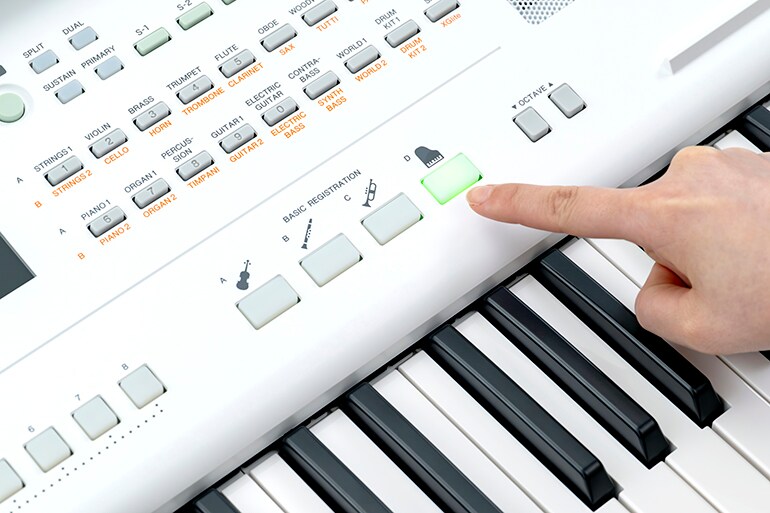
Use the Basic Registration button to call up your favorite Voices instantly
-
It’s easy to adjust the volume of the Voices and the tempo of the Rhythms
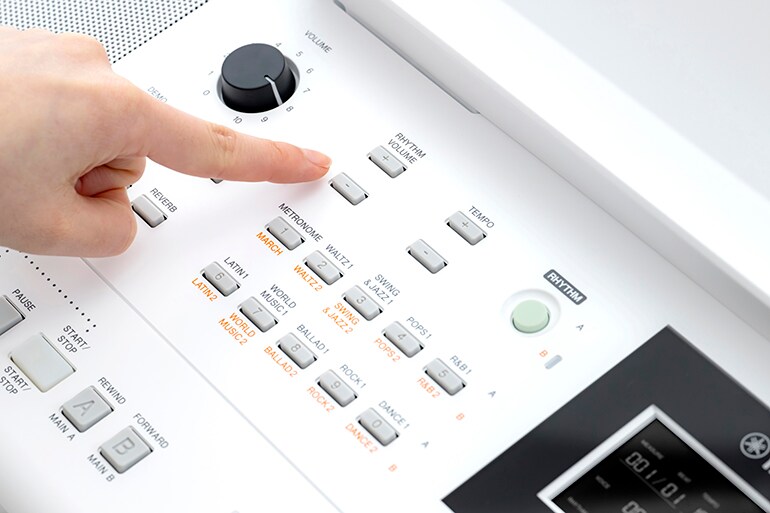
-
Use the Wonderland button to play animal sounds and other sound effects
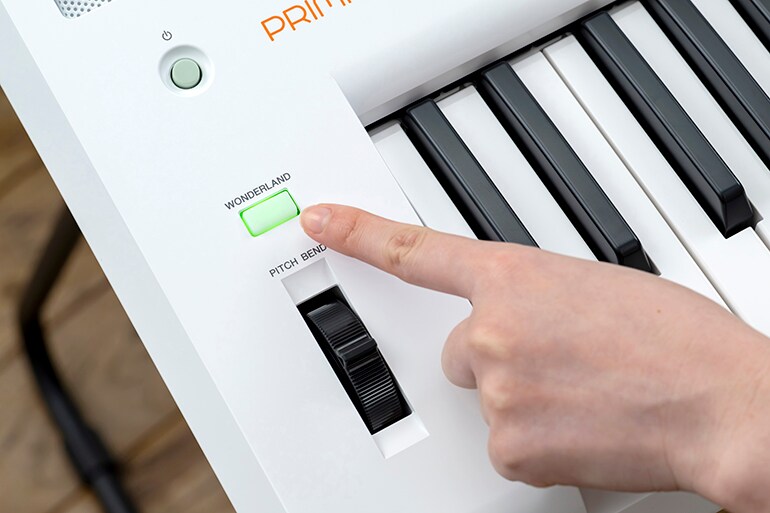
-
Check the mark here to see where Middle Do is located
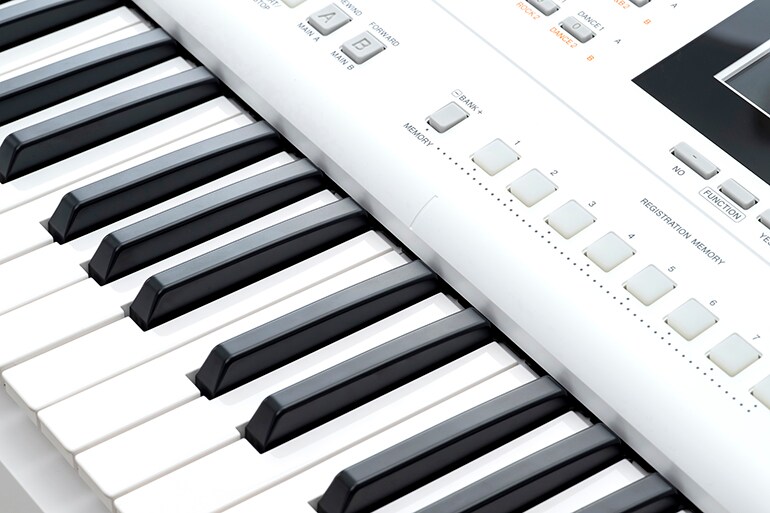
-
A convenient spot for a pencil or smartphone
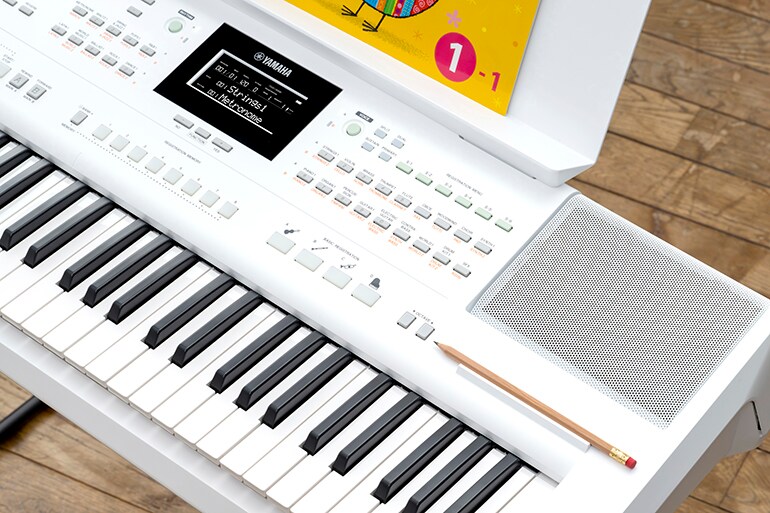
-
Choose other Voices and settings to broaden your range of musical expression
Related Information
Related Products
* Specifications are subject to change without notice. The colors and finishes shown may vary from those on the actual products.
